

How to Deposit at PH11
Depositing funds into your PH11 account is the first step to experiencing our exciting games. The process is simple and supports many popular payment methods in the Philippines.
Supported Payment Methods
GCash
GCash QR
Maya
GOTYME-QR
USDT
Bank Transfer
GRABPAY
How to Deposit at PH11:
A Quick and Simple Guide
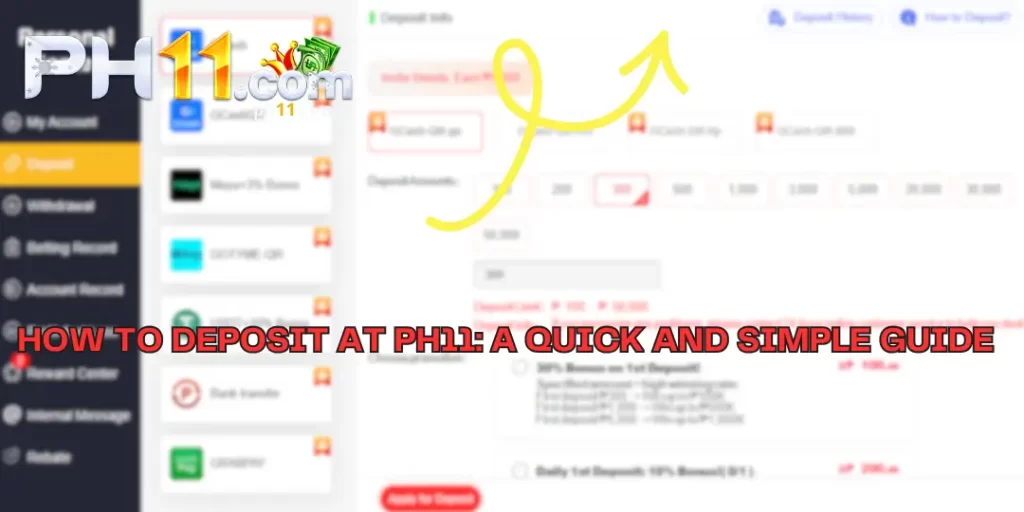
- Step 1:Log in and Access: login to your PH11 account. On the menu, select “Personal Center”.
- Step 2:Choose Deposit: Click on the “PH11“ section.
- Step 3:Select Method: From the list, choose your preferred payment method (e.g., GCash, Maya, Bank transfer).
- Step 4:Select Amount: Choose a preset amount or enter a custom amount (from ₱100 to ₱50,000).
- Step 5:Choose Promotion (Optional): In the “Choose promotion” section, you can select an available offer if you are eligible.
- Step 6:Confirm Deposit: Click the “Apply for Deposit” button. The system will redirect you to the payment information page. Follow the on-screen instructions to complete the transaction.
Effective Deposit Tips
- Utilize E-Wallets: Methods like GCash and Maya typically have the fastest transaction processing.
- Always Check Promotions: Before depositing, check the “Choose promotion” section to maximize your benefits.
- Consider USDT for Higher Bonuses: If you are familiar with crypto, depositing with USDT offers a 10% bonus.
- Ensure a Stable Connection: Perform your deposit on a strong internet connection to avoid interruptions.
- Check the Limits: Ensure your deposit amount is within the allowed range (₱100 – ₱50,000).
Attractive Deposit Promotions
- New Member Welcome Bonus: Participate in the “Daily deposit get egg gold 500P” to receive an exciting reward!
- 30% Bonus on 1st Deposit: For new members with deposits from ₱100 and up.
- Daily 1st Deposit 10% Bonus: Applies to deposits from ₱200 and up.
Step-by-Step Guide to the
PH11 Withdrawal Process
Just follow these 4 simple steps to have your money sent to your wallet.

Log in and Access “Withdrawal”
First, log in to your PH11 account. On the menu, navigate to the “Personal Center” and click on the “Withdrawal“ section.
Bind Your Bank Account or E-Wallet
If this is your first PH11 Withdrawal, you will need to add your receiving account details. Choose the method (e.g., GCash) and enter the required information with 100% accuracy.
Crucial Note
The name on the receiving account (GCash, Maya, Bank) MUST EXACTLY MATCH the full name you registered with at PH11. This is a mandatory security rule to ensure funds are sent to the correct owner.
Create the Withdrawal Request
Once your receiving account is successfully linked, select the account, enter the amount, and enter your withdrawal password (if required) to confirm.
Confirm and Wait for Your Funds
Double-check all information and click “Apply for Withdrawal”. For e-wallets like GCash and Maya, funds will typically arrive in your account within just 3-5 minutes after approval.
Conclusion
Depositing at PH11 is safe and convenient, with many flexible options. With just a few simple steps, your account will be ready to join the games. Choose the method that suits you, take advantage of the promotions, and start your top-tier entertainment experience today! If you encounter any problems, remember that the 24-hour online customer service is always ready to assist you.
Deposit to Your Account